 ReefDeck
Open the free logbook
ReefDeck
Open the free logbook
How to Read ICP-OES Test Results for Your Reef Tank
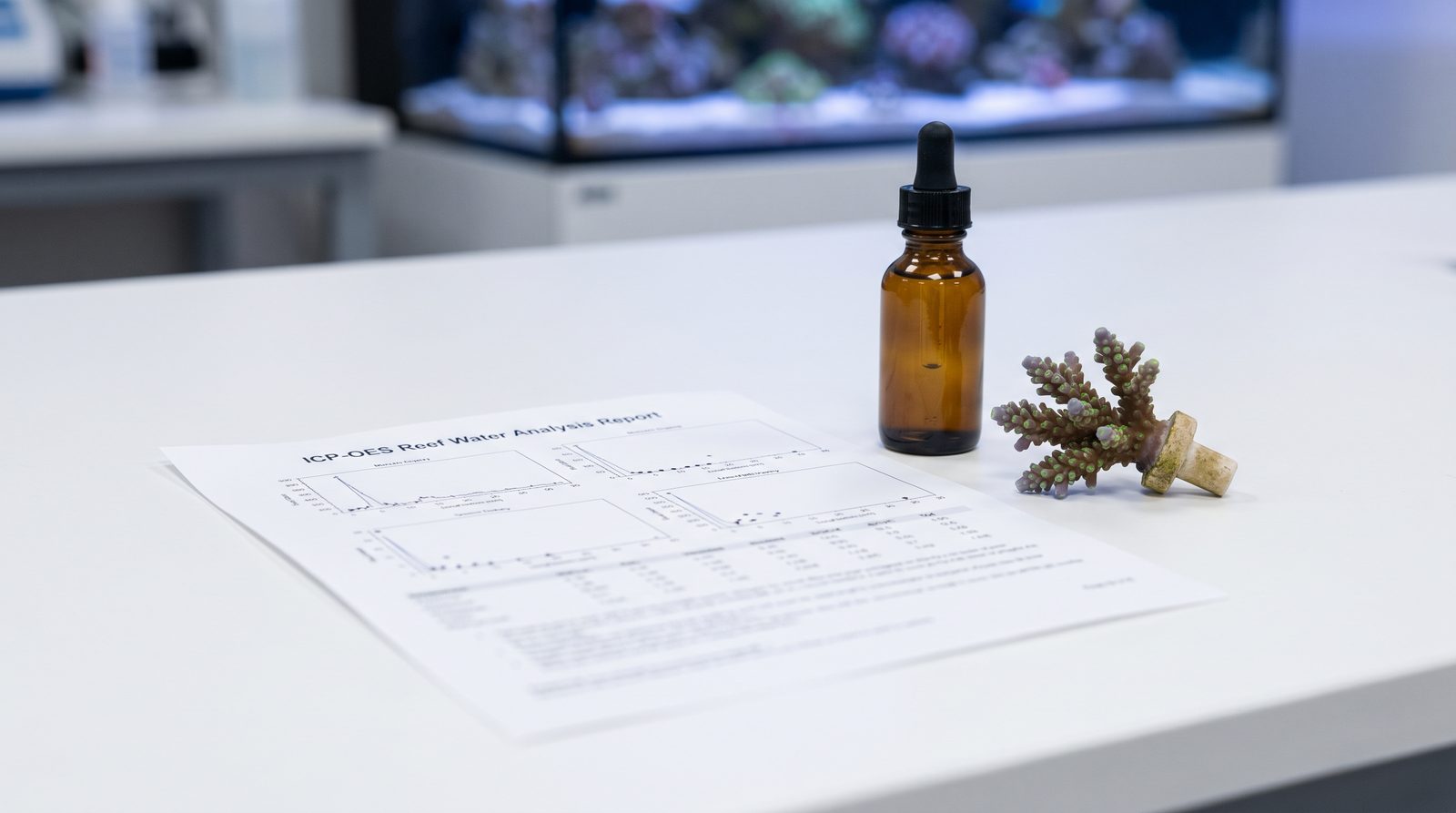
ICP-OES (Inductively Coupled Plasma Optical Emission Spectrometry) analyses 30–70 elements in a single water sample, covering major parameters, trace elements and potential contaminants. To use the report well: confirm your major elements (calcium, magnesium, potassium) first, then look for contaminant flags (copper, aluminium, chromium), and treat trace deviations cautiously — most healthy tanks show minor traces outside reference ranges without any visible coral stress. Retest after any corrective action, not before.
Once or twice a year, many reef keepers send a water sample to an ICP-OES laboratory. A few days later a report lands in their inbox: forty or more elements, colour-coded flags, and a handful of alarming-looking numbers. The most common response is panic. The second most common is to dose half a dozen supplements without a clear plan. Neither is necessary if you know how to read what the report is actually telling you.
What ICP-OES actually measures
ICP-OES works by atomising a small water sample inside a plasma torch and measuring the wavelength and intensity of light emitted by each element. The result is a concentration figure — typically in parts per million (ppm) or parts per billion (ppb) — for every element the lab tests for. Commercial reef-water services such as Triton and ATI typically screen for 30 to 70 elements in a single submission.
These fall into four practical groups:
- Major elements — calcium (Ca), magnesium (Mg), potassium (K), sodium (Na), sulphur (S). These are present in large quantities and drive your core water chemistry.
- Minor elements — strontium (Sr), boron (B), lithium (Li). Present at lower concentrations, consumed by corals, relevant to track but rarely urgent.
- Trace elements — iodine (I), iron (Fe), zinc (Zn), manganese (Mn), molybdenum (Mo), vanadium (V) and others. Present in µg/L (ppb) ranges. Important for coral biology; dangerous if overdosed.
- Contaminants — copper (Cu), aluminium (Al), chromium (Cr), nickel (Ni), lead (Pb). These should read near zero. Even low elevations can stress or kill invertebrates.
Reading a report: where to start
Open the report and work through it in order of consequence, not alphabetical order. The goal of a first pass is to answer three questions: is anything dangerous, is my water chemistry coherent, and are there gaps I should fill?
| Element group | Check first | Action threshold |
|---|---|---|
| Contaminants (Cu, Al, Cr, Ni, Pb) | Any elevation above lab reference | Investigate source immediately; remove if possible |
| Major elements (Ca, Mg, K) | Values relative to salinity-adjusted reference | Correct if >10–15% outside target range |
| Minor elements (Sr, B) | Significant depletion or spike | Dose only if notably low after ruling out test error |
| Trace elements (I, Fe, Mn, Mo, V, Zn) | Pattern of depletion across multiple elements | Prefer all-in-one supplement over individual dosing |
| Sodium / salinity cross-check | Confirm Na matches your measured salinity | Large mismatch suggests sampling or calibration error |
The contaminant check: the one thing you cannot ignore
Before looking at anything else, scan the contaminant row. Copper is the most common offender — it can leach from brass fittings, certain pump housings, or even some additives. At concentrations above roughly 0.05 ppm copper will begin stressing invertebrates; at 0.1–0.2 ppm it can kill snails, shrimp and eventually corals. If copper is elevated, identify and remove the source. Activated carbon or a copper-removing resin can help, but source removal comes first.
Aluminium can enter from certain salt mixes or dry additives. Chromium and nickel occasionally appear when metal reactor media or equipment corrodes. If any of these flags are high, prioritise them entirely before thinking about trace-element supplementation.
Comparing ICP results to hobby test kits
Many hobbyists test calcium and alkalinity weekly with reagent kits (Salifert, Hanna, Red Sea, and similar) and only run ICP once or twice a year. The two methods complement each other well — and the comparison is genuinely useful.
For parameters that hobby kits do not measure — potassium, strontium, iodine, and the trace metals — the ICP is your only practical data point. Use those values to guide supplementation, but note that trace-element reference ranges vary somewhat between labs. A mild deviation in a tank with healthy, colourful corals is rarely worth acting on.
Retest cadence and what to do between tests
ICP is a snapshot, not a real-time monitor. Most hobbyists run one to four tests per year: once at baseline, once after any major change (new salt, dosing method, large livestock addition), and once or twice for general peace of mind. Between ICP tests, your weekly hobby kit readings are the primary source of trend data — and trends are what actually protect your tank.
After any corrective action — whether you removed a copper source, adjusted potassium, or began a trace-element supplement — wait at least four to six weeks before retesting. Give the water time to stabilise and your corals time to respond, rather than running successive ICP tests to validate every change. Logging your manual test results in the weeks between ICP submissions is where the picture comes together: if you can see your calcium and alkalinity trend data alongside the ICP snapshot dates, you can tell whether a measured correction actually held.
What ICP cannot tell you
ICP-OES measures inorganic element concentrations. It does not measure organic compounds, bacteria, dissolved oxygen, or the complex biological interactions in your tank. It will not tell you why your acropora is RTNing, why your tank cycles slowly, or whether your skimmer is right-sized. It is one data point — an exceptionally detailed one — but it sits alongside, not above, your daily observations and your ongoing parameter log.
Log your ICP results alongside your manual tests
ReefDeck lets you paste in Triton or ATI ICP results and track them next to your own test-kit readings — so you can see whether a trend was already visible before the ICP arrived. Free, offline, no account needed.
Open ReefDeck — it's free → Works on phone and desktop · installs as an app · exports to CSV anytimeFrequently asked questions
How often should I run an ICP test on my reef tank?
Once or twice a year is sufficient for most tanks — one baseline test and one follow-up after any major change such as switching salt brands, changing your dosing method, or adding significant new livestock. Between ICP tests, regular hobby kit readings provide the trend data you actually need day to day.
What should I do first when I get an ICP report?
Check the contaminant row first — copper, aluminium, chromium, nickel and lead. Any elevation there should be investigated and resolved before you act on anything else. Then check your major elements (calcium, magnesium, potassium) against the salinity-adjusted references, and lastly review trace elements in the context of your corals' actual appearance.
My ICP shows several trace elements slightly outside range — do I need to dose them all?
Not necessarily. Minor trace deviations are common and many healthy tanks show values slightly outside lab reference ranges without any visible coral stress. Focus on elements that are significantly depleted, prioritise an all-in-one trace supplement over individual dosing, and only act if you see a biological symptom (colour loss, growth stall) that suggests a real deficiency.
Can I paste my Triton or ATI ICP results into ReefDeck?
Yes. ReefDeck accepts ICP results from Triton and ATI by direct paste, storing them as dated log entries alongside your manual tests. This lets you compare the ICP snapshot to the trends your hobby kit was already showing in the weeks before and after the sample date.